


Notepad flaw shows why software bloat matters
I’m a fan of simplicity. Give me a paragraph and I’ll strip out unnecessary words and clauses. I often go to lengths refactoring my own code to avoid repetition. And I like any process I design to involve as few decision points as possible to minimise the scope for human error and misjudgement.
This probably dates back to my time working as a journalist. News writing is all about short, punchy sentences. This makes copy easier to read, but it also serves an editorial purpose: single-sentence paragraphs arranged according to the inverted pyramid structure allow for easy editing. If there’s no room on the page, the last paragraph can be cut and the story still makes sense.
I brought the same mindset to technology, and found myself applying the same principles in computing. There’s something beautiful about a script that loops efficiently, or a single command that effortlessly pipes data between different programs to achieve the intended result. Software can be very complex, but at its best it is focused and concise in its construction.
Do one thing well
The Unix philosophy is the purest codification of this approach. Under its principles, documented in 1978, a program should perform a single function, and output should be formatted for use as input for another program – ideally plain text, free of bespoke data structures. This naturally produces modular code, with small components that can perform one task well, which can be chained together to perform complex functions.
A network-connected AI text editor
It has therefore pained me to watch some of the software trends of the last decade or two: local software that requires an internet connection to work, sparse UIs that look like they were designed for mobile, and subscription models and unnecessary AI integrations shoehorned in everywhere.
The latest victim – and perhaps the clearest example yet of why all this is bad from a technical standpoint – is, believe it or not, Notepad. That’s right – Microsoft has somehow allowed the basic text editor that comes bundled with Windows to become bloated to a point where it causes problems.
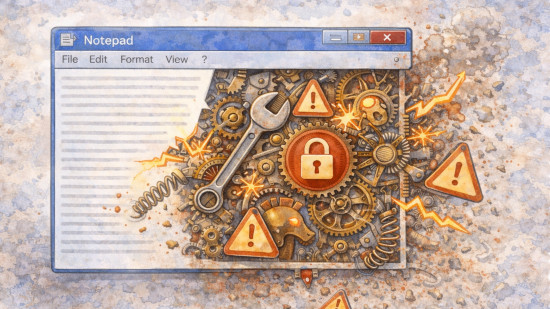
Once upon a time, Notepad focused on a single function: editing plain text. But that wasn’t enough. Then Microsoft decided we needed formatting. Then Copilot AI features were added. The latest versions of Notepad even allow the user to sign in to a profile for some unknown reason. What was once a simple, isolated program is now complex software with network features.
This week, Microsoft patched CVE-2026-20841. This remote code execution vulnerability relates to Notepad’s Markdown file processing. Hyperlinks are clickable in Markdown files, and researchers found that if the user clicks a link beginning with file:// then Notepad would automatically download and execute whatever was at the target URL without further prompting. One malicious file could trick a user into running anything on their computer.
Stemming the tide
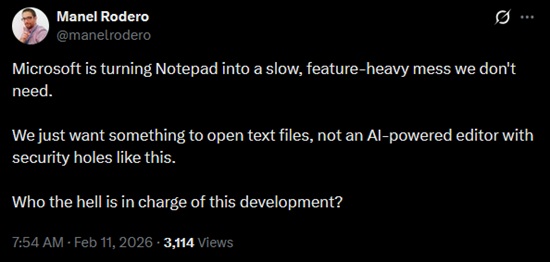
The Notepad debacle is a prime example of how features and complexity that nobody asked for can lead to problems, but much more common are bugs and limitations that never used to exist. Your options are limited because the UI needs to be mobile-friendly, or a simple web page takes ages to load because it was unquestioningly built upon a stack of weighty frameworks.
AI could be an answer. If the average user can produce and execute scripts and simple programs for their own personal use, it’s possible we won’t need to rely on the whims of the software giants. Power users have been scripting for their own benefit for decades, but AI gives everybody the freedom to build software and scripts tailored to their own specific uses with a target audience of one – and free from tinkering introduced via unwanted updates.
But the unfortunate reality is that even with AI, most users won’t go to those lengths. Many won’t even get as far as downloading better options (in the case of Notepad, programs like Notepad++, Sublime Text, and Obsidian). With each generation, younger users will simply believe that a desktop full of glorified web browsers is just “how software works”, and there will be little pressure on Big Tech to hand control back to the user.
We can’t turn back the clock, but we can at least try to minimise the damage. Use local-only tools where possible and disable unnecessary features. When you do so, you’re protecting your wallet, system performance, and security – because every unnecessary feature is a potential vulnerability. Simplicity isn’t just nostalgia – it also ensures code is easy to review and manage.

